 |
|
| Rating: 4.1 | Downloads: 1,000,000,000+ |
| Category: Business | Offer by: zoom.us |
| Zoom App: Connecting People, Anytime, Anywhere | zoom | mobile | android |
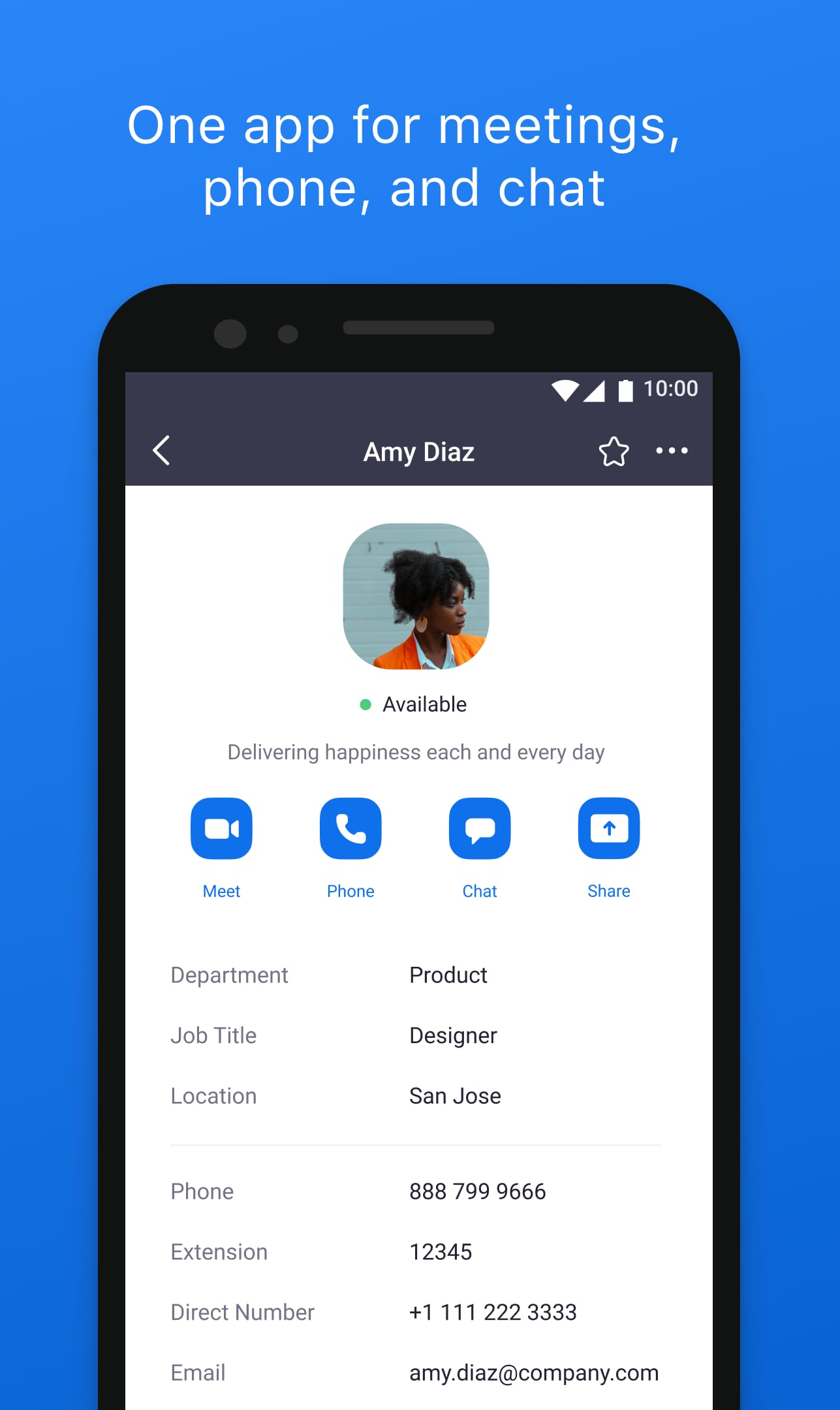
Zoom app makes remote communication simple and reliable. With video meetings, webinars, and online events, it keeps you connected no matter where you are.
Share your screen, use virtual backgrounds, and collaborate easily across devices. Zoom workplace app is perfect for work, school, or staying in touch with friends and family.
Features & Benefits
High-Quality Video and Audio:
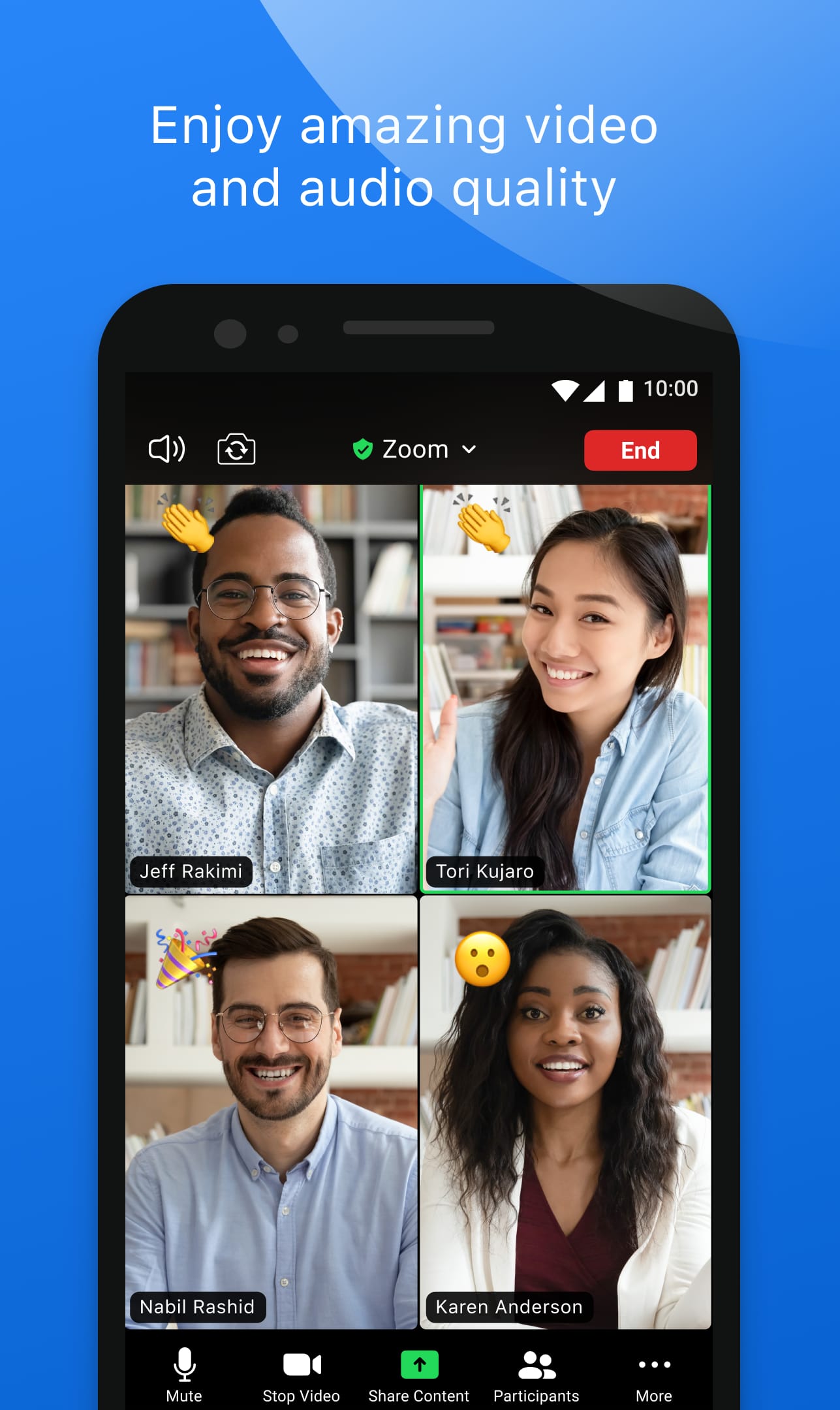
Enjoy clear HD video and crisp audio for smooth communication. Zoom adapts to different network conditions to keep meetings stable even on low bandwidth.
Screen Sharing and Collaboration:
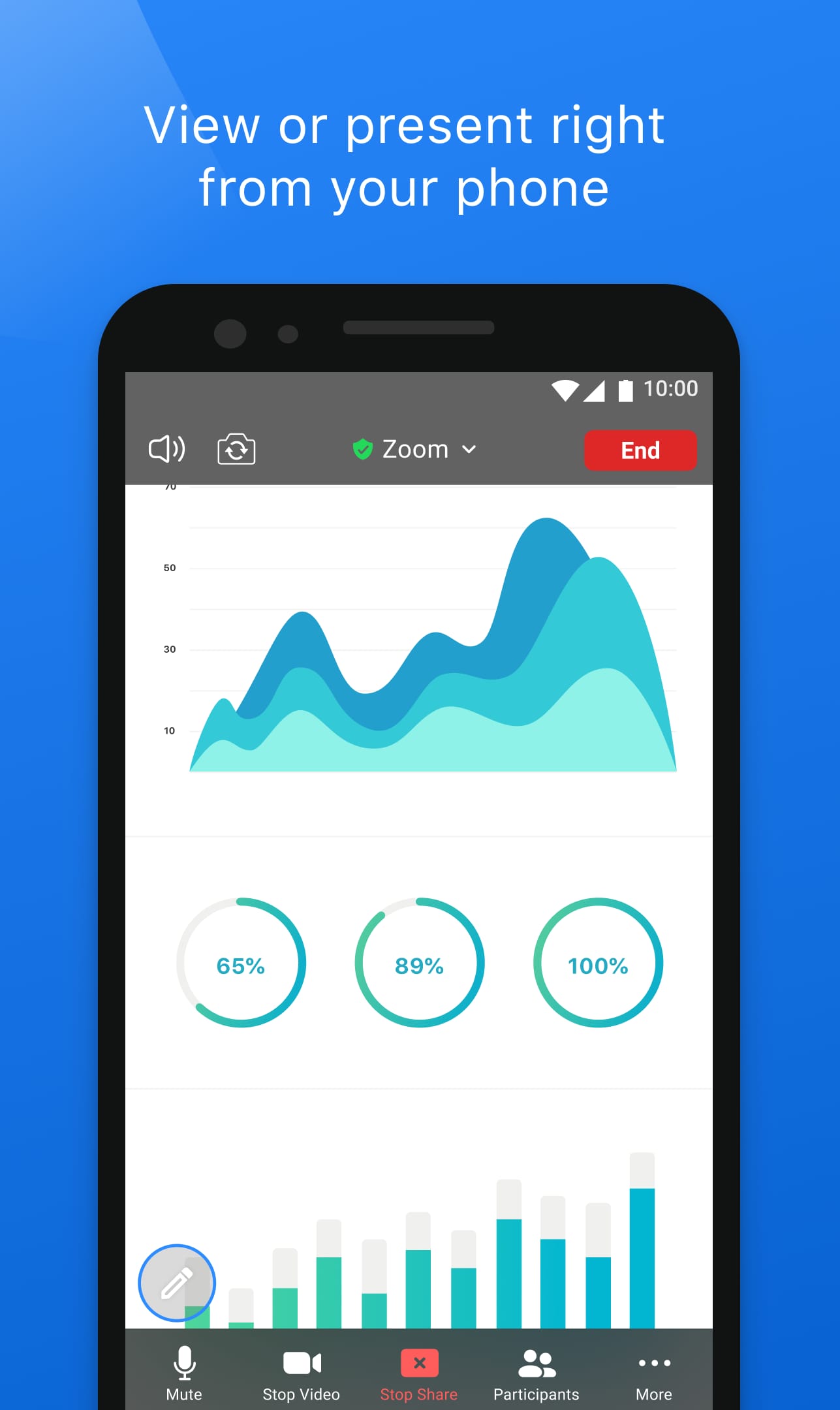
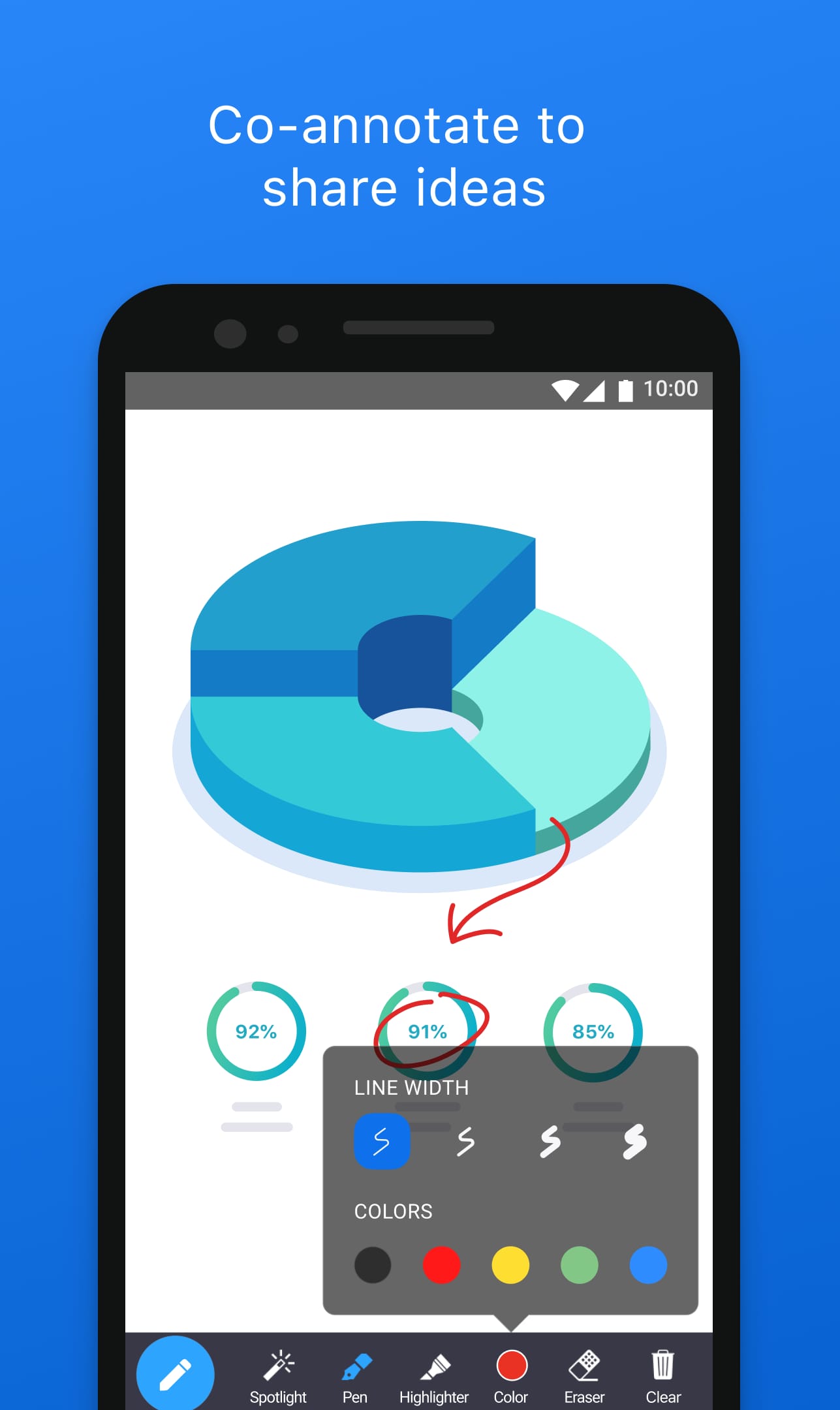
Share your screen, presentations, or documents in real-time. Collaborate seamlessly with participants through annotations, whiteboards, and live edits.
Virtual Backgrounds and Effects:
Customize your video with virtual backgrounds, filters, and touch-up options for a professional or creative look during meetings.
Recording and Transcriptions:
Record meetings, webinars, or classes and access automated transcripts to review or share key content easily.
Large Meetings and Webinars:
Host hundreds of participants with features like breakout rooms, Q&A, polls, and chat, making Zoom ideal for conferences, online events, and large team meetings.
Meeting Security and Control:
Protect your sessions with end-to-end encryption, password controls, and participant management tools, ensuring safe and organized meetings.
Pros & Cons
- High-quality video and audio for immersive communication
- Powerful screen sharing and collaboration features
- Virtual backgrounds for customization and privacy
- Recording and transcription options for easy reference
- Cross-platform accessibility for seamless usage
- Reliance on stable internet connection for optimal performance
- Free plan limitations, such as meeting duration and participant limits
- Privacy concerns regarding data security and encryption
Similar Apps
Skype: Skype is a well-known video calling app that allows users to make audio and video calls, as well as chat. While it may not have all the advanced features of Zoom, it is a popular choice for personal and casual video communication.
Slack: While primarily known as a team communication and collaboration tool, Slack also offers video calling functionality. It allows users to have face-to-face conversations within the context of their team communication channels.
BlueJeans: BlueJeans is a cloud-based video conferencing platform that offers high-quality video and audio, screen sharing, and integration with various collaboration tools. It caters to businesses and enterprises of all sizes.
Screenshots
 |
 |
 |
 |
Zoom App Download |
|
|---|---|
 |
 |
Zoom has undoubtedly transformed the way we communicate and collaborate remotely. Its user-friendly interface, versatile features, and cross-platform compatibility have made it a popular choice for individuals, businesses, and educational institutions worldwide. The app’s video conferencing capabilities, screen sharing, virtual backgrounds, and recording options provide a seamless and efficient virtual meeting experience. Despite some security concerns in the past, Zoom has taken significant steps to address these issues and prioritize user privacy.
While Zoom offers numerous benefits, it’s important to be mindful of potential challenges such as dependence on stable internet connectivity and the fatigue that can arise from excessive virtual meetings. However, these challenges are not unique to Zoom and are inherent to remote communication platforms in general.
In conclusion, Zoom continues to play a crucial role in connecting people across distances and facilitating remote collaboration. With its powerful features, ease of use, and constant innovation, Zoom remains a leading app in the realm of virtual communication and is likely to shape the future of remote work and online interactions.
Faqs
Can I use Zoom without creating an account?
Yes, users can join Zoom meetings without an account by simply entering the meeting ID or link provided by the meeting host.
How secure is the Zoom app?
Zoom has implemented various security features, such as end-to-end encryption, waiting rooms, and the ability to control participant access and permissions.
How do I share my screen or content during a Zoom meeting?
Zoom’s screen sharing feature allows users to share their entire screen, a specific application, or a PowerPoint presentation during a meeting.
Can I record Zoom meetings?
Yes, Zoom offers recording capabilities, allowing users to capture and save video and audio of their meetings for later reference or sharing.
How does Zoom handle integration with other apps and tools?
Zoom offers seamless integration with various productivity tools, calendars, and communication platforms to streamline the user experience.